Safer Rides,
Smarter Transport
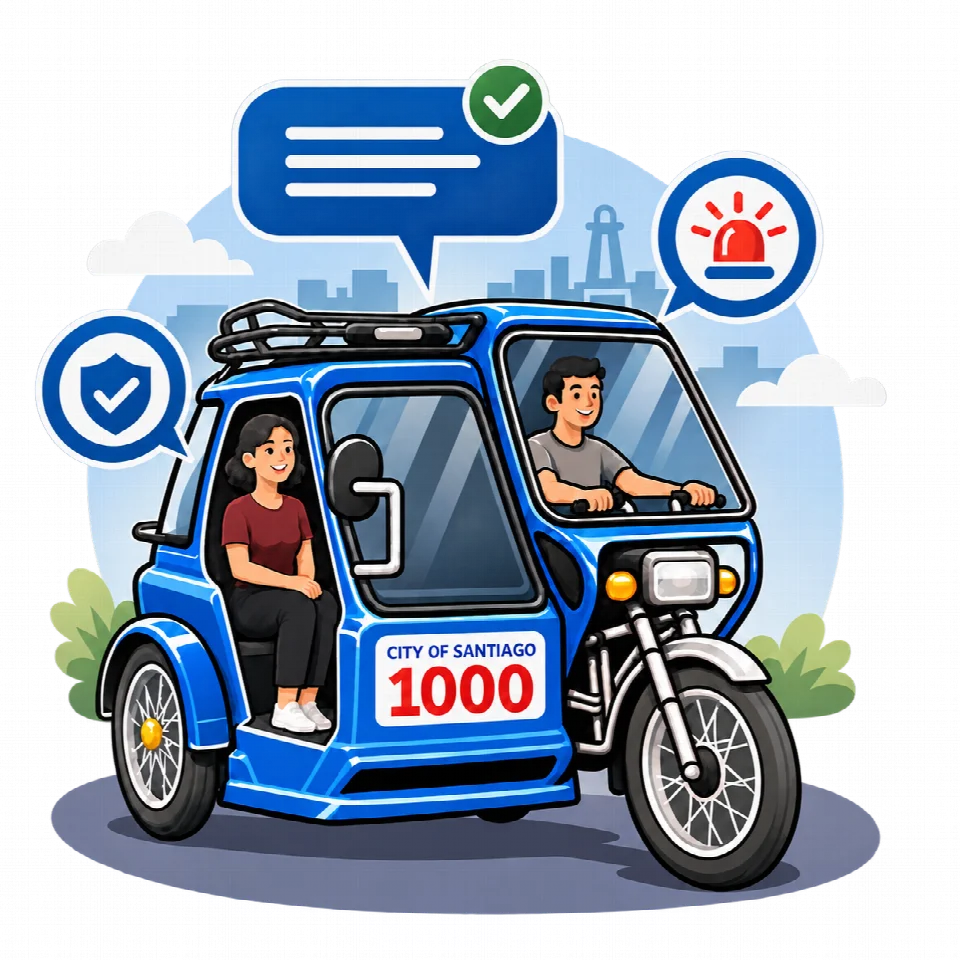
Project TAPAT helps make tricycle rides more accountable. We connect passengers and drivers with registered ride information and support.
In Partnership With


How Project TAPAT Works
From a quick scan to informed follow-up.
Step 1
Scan
Scan the QR inside the tricycle and review the registered driver and vehicle details.
Step 2
Report
Enter your trip details, complete the safety survey, and review your report before submitting.
Step 3
Action
Authorized personnel review your concern and follow up using the linked tricycle record.
Try TAPAT Passenger on Android
The app is currently in closed testing. Follow these steps to join and install it from Google Play.
Use the same Google account for the group, testing page, and Play Store.
Step 1
Join the Google Group
Sign in with the Google account you use on your Android phone, then join the Project TAPAT testing group.
Join testing group (opens in a new tab)Google Groups: select Join group
Loading image…
Step 2
Become a tester
After joining the group, open the Google Play testing page with the same account and choose Become a tester.
Become a tester (opens in a new tab)Google Play: select Become a tester
Loading image…
Step 3
Install TAPAT Passenger
Once you have joined the test, open the Play Store listing on your Android phone and install TAPAT Passenger.
Open Google Play (opens in a new tab)Play Store: select Install
Loading image…
App unavailable? Check that you joined the group and became a tester with the same Google account, then try the Play Store again. If you still need help, contact support.
Ready to Ride Safer?
Passengers can use TAPAT during their ride, while operators can check their tricycle records without an account.
Need to delete account or survey-related personal data? Submit a data deletion request.